> ## Documentation Index
> Fetch the complete documentation index at: https://docs.pollo.ai/llms.txt
> Use this file to discover all available pages before exploring further.
# Quick Start
> Jump into using Pollo AI's API with our Quick Start guide. Learn how to get your API keys and more!
## What You Need
* A Pollo API platform account
* An API key
## Get Your API Key
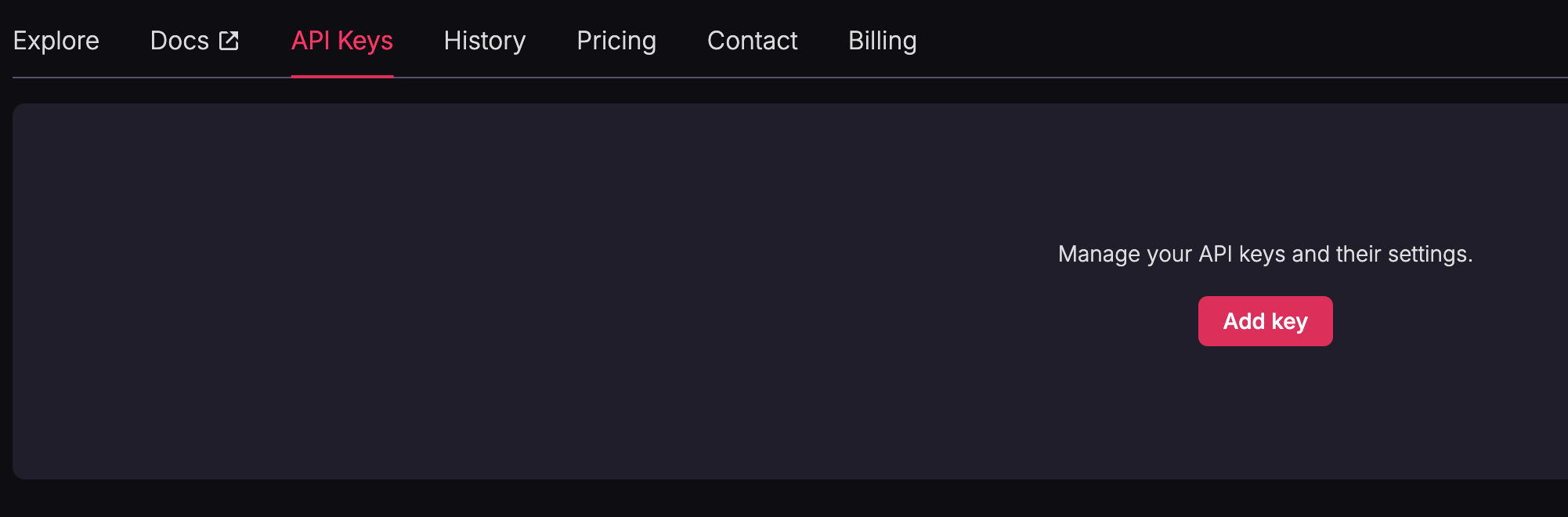
Sign up for Pollo AI, and then go to the [API Keys page](https://api.pollo.ai/api-keys) and click **Add Key**.
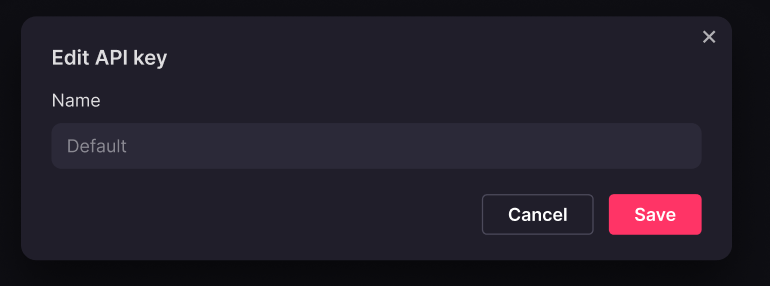
 Enter a unique name for your API key (duplicate names are not allowed) and click **Save**.
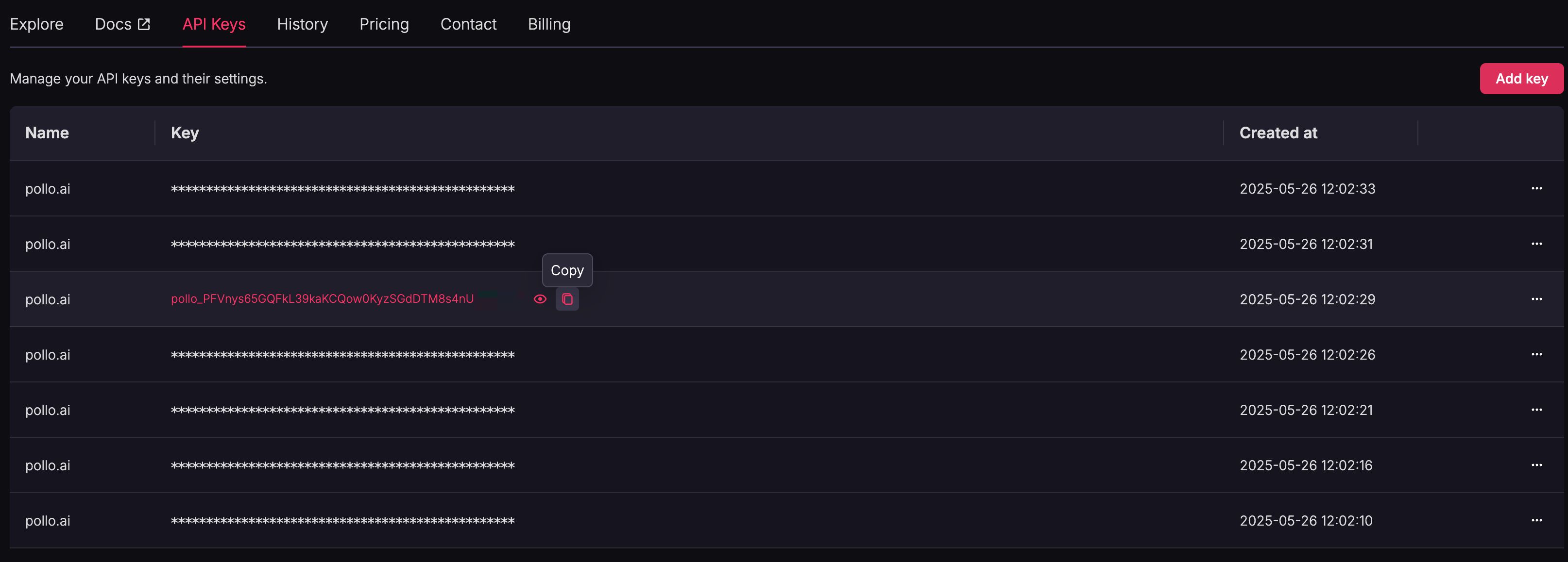
 On the API Keys page, click the copy icon next to your key to copy it to your clipboard.
 ## Configure Your HTTP Request Header
* X-API-KEY parameter: enter the app key created on our API platform.
## Generate Video
**Generate video through the video generation endpoint**
If successful, the response will return a success status and a task\_id.
**Get video generation status**
Fill the task\_id into the parameter of task\_id to request the video generation status.
* **processing**: the video is still being generated.
* **succeed**: the video generation is complete.
**Poll video generation status**
Continuously poll the status endpoint until the status changes to succeed. Once succeed is returned, download the video using the provided url.
**Note**: Videos are stored for **two weeks**. Download your video promptly to avoid losing access.
## Configure Your HTTP Request Header
* X-API-KEY parameter: enter the app key created on our API platform.
## Generate Video
**Generate video through the video generation endpoint**
If successful, the response will return a success status and a task\_id.
**Get video generation status**
Fill the task\_id into the parameter of task\_id to request the video generation status.
* **processing**: the video is still being generated.
* **succeed**: the video generation is complete.
**Poll video generation status**
Continuously poll the status endpoint until the status changes to succeed. Once succeed is returned, download the video using the provided url.
**Note**: Videos are stored for **two weeks**. Download your video promptly to avoid losing access.